Every search and every minute we spend in front of the screen is logged on some server. If this makes you uncomfortable and you’re looking for a real cloak of invisibility, you could try Tails OS (The Amnesic Incognito Live System). Thesoftwarecreates a military-grade encrypted partition, packaged on a USB stick, designed to leave not even the slightest trace.
Tails is a Debian-based Linux distribution, but with a radical redesign centred on two key principles: amnesia – because once you disconnect, not even a trace remains – and anonymity whilst you’re using it. In fact, the device’s name will appear as “amnesia”.
It is a Live OS (live operating system) that runs entirely from the computer’s RAM. When you switch off the computer or remove the USB stick, the RAM is completely wiped. It does not save any history, leaves no temporary files, and not even the host computer’s hard drive will know that Tails was there because it does not touch it.
On a standard system, you can use the Tor browser to hide your IP address. In Tails, absolutely all network traffic goes through the Tor network. If an application attempts to connect to the internet bypassing the anonymity protocol, the system cuts the connection off at the source.
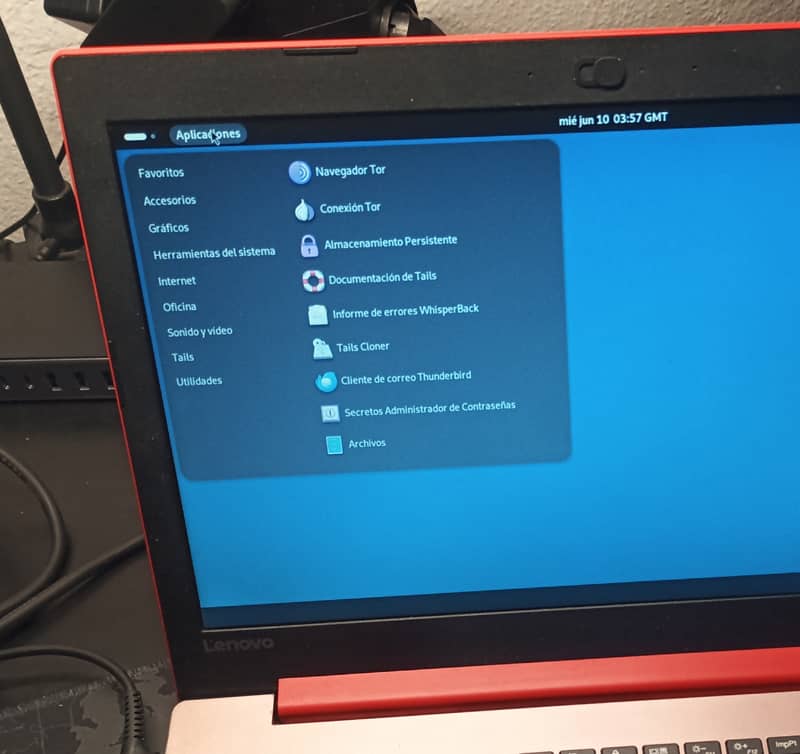
It comes pre-configured with various tools such as KeePassXC for password management, PGP encryption tools integrated into the email client, and tools for securely erasing metadata (such as MAT2).
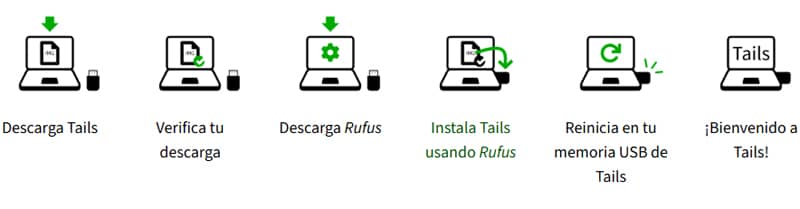
To use Tails, all you need is a USB stick with at least 8 GB of storage and a computer with at least 2 GB of RAM. The process is very simple.
- Download the ISO image from the official Tails website. The site allows you to cryptographically verify the download to ensure that no intermediary has injected malicious code into the ISO.
- Save the image to your USB stick using Rufus.
- Plug the USB stick into the computer you want to use it on, enter the BIOS/UEFI settings, go to the boot menu and select to boot from the USB rather than from the usual hard drive, then restart.
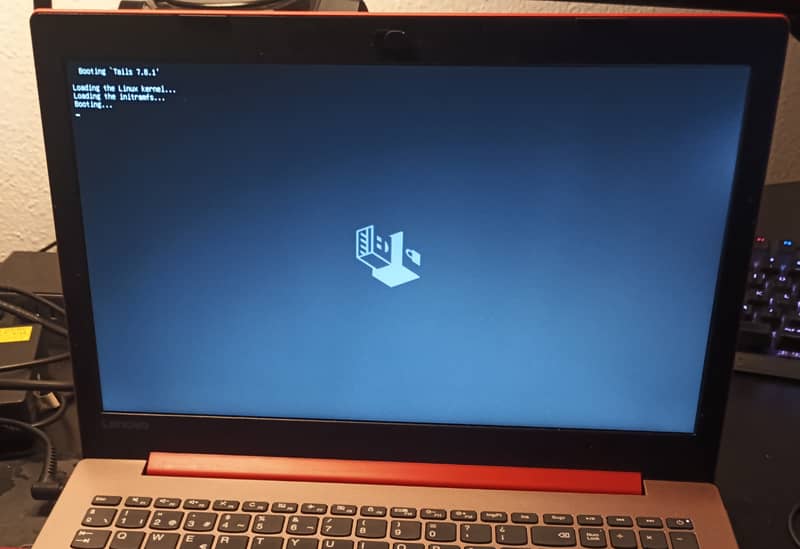
Depending on the hardware of the machine it’s running on, it may take a little longer to start up. You’ll eventually see this:
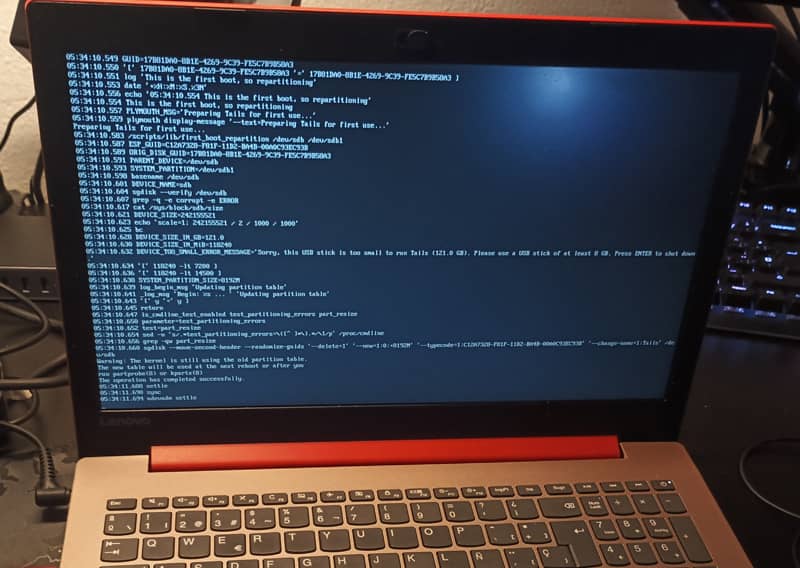
When you start Tails, you’ll see a welcome screen where you can set your language and choose whether to enable Persistent Storage. And that’s it. That’s all there is to it.
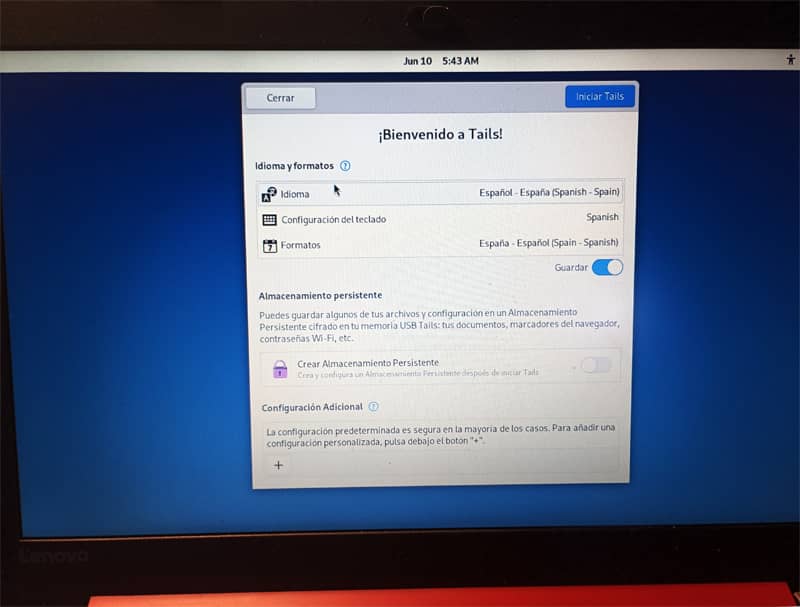
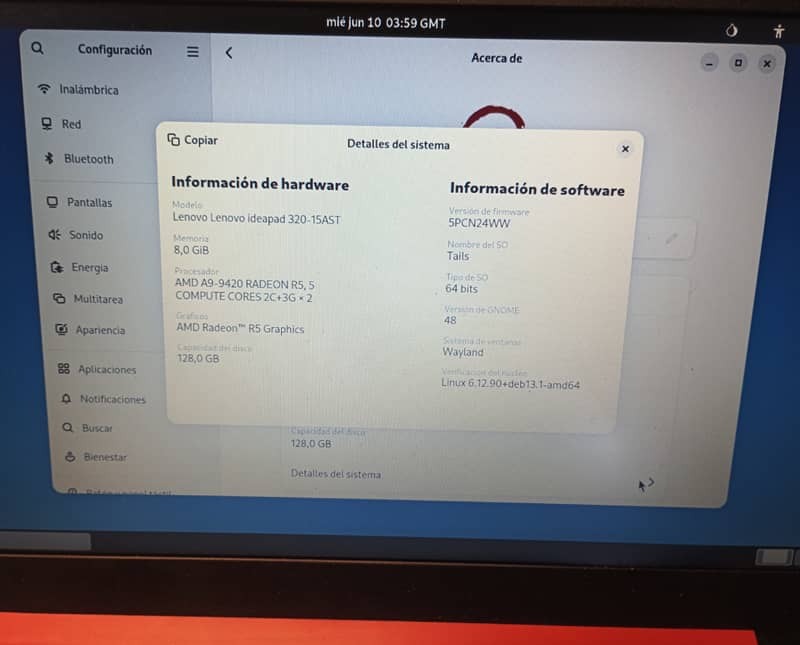
Since Tails erases everything when it shuts down, what happens if you need to save something? You can set up a small partition on the USB stick itself, encrypted with LUKS (Linux Unified Key Setup) using a strong password. Anything you save there will survive a reboot, but if you lose the USB stick and don’t have the password, that partition is just a block of indecipherable digital noise.
Tails OS is the tool Edward Snowden used to communicate with journalists without being tracked by the NSA.
Among the various advantages of Tails, those relating to privacy and anonymity stand out: your internet service provider doesn’t know what you’re doing, and websites don’t know who you are or where you’re connecting from. On the other hand, browsing speed suffers; as the Tor network routes your connection through various nodes around the world, everything runs noticeably slower.
It goes without saying that absolute anonymity on the internet doesn’t exist, even if you use Tor. This is even less likely if you log into social media accounts or leave your digital footprint on forms, etc. However, you can keep a very low profile by following a few basic guidelines.