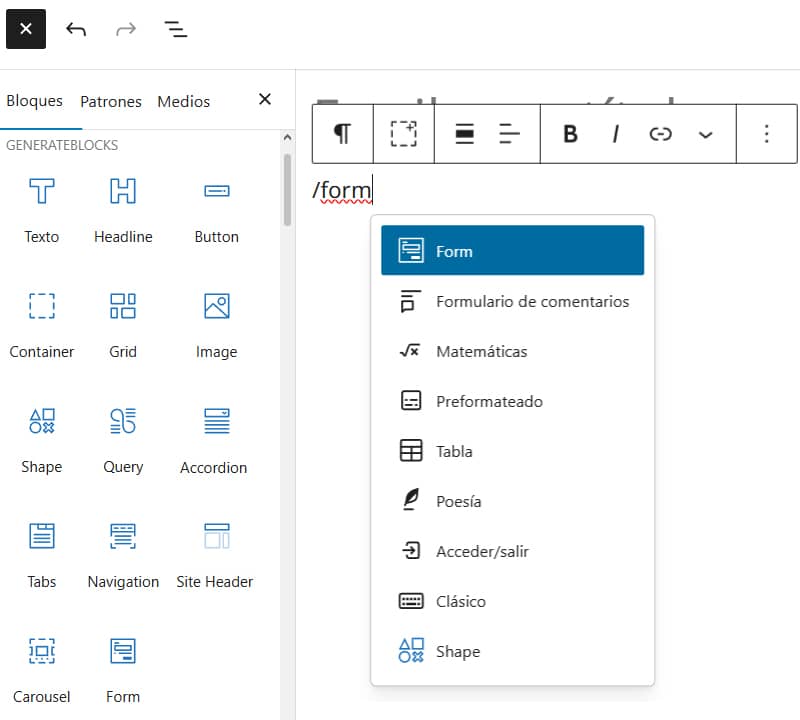
GenerateBlocks Pro continues to grow and is a firm commitment to full site editing (FSE) from a different perspective. This modest plugin that was born in 2022 with four blocks will soon have fourteen when version 2.6 is released, which is already available for testing in its first alpha version.
GenerateBlocks now includes an integrated form system, with native contact and email subscription forms. You can set up form emails and confirmation emails, submit forms to webhooks and connect them directly to Mailchimp, Kit (formerly ConvertKit), MailerLite, ActiveCampaign and Brevo. Also included is integration with Turnstile for spam protection, so you can keep your submissions clean without the need for an additional plugin.
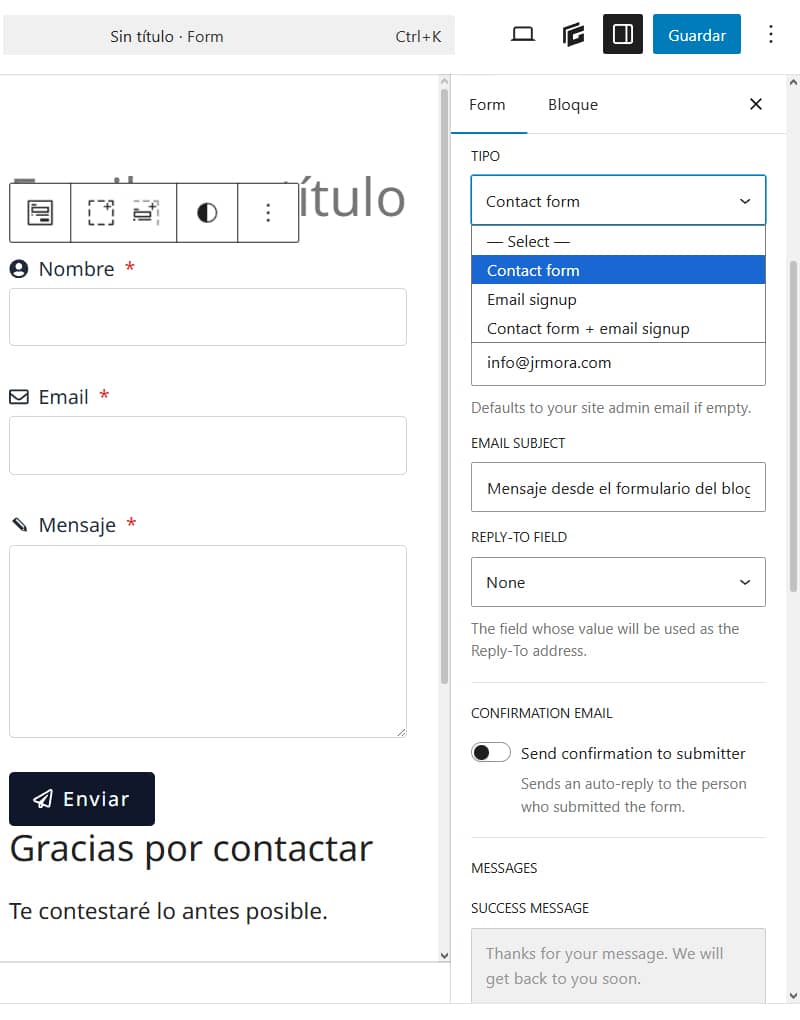
The first thing I did was to test the contact form to see if I could use it as a replacement for my current contact form without plugin. In the absence of a privacy policy acceptance box to comply with the RGPD (which I suggested they add) the form is functional, includes Honeypot and can be customised almost everywhere. When the final version is released, if they add the box to accept the privacy policy, it will save me having to periodically review the code of my form, security and so on.
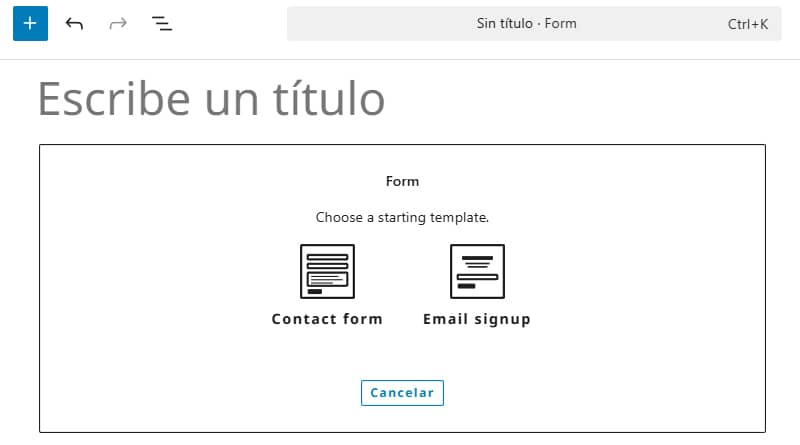
When you add the block you have two starter templates, one for a contact form and one for an email subscription.
All elements are nested and displayed like pieces of any GenerateBlocks element and all have their own independent configuration.
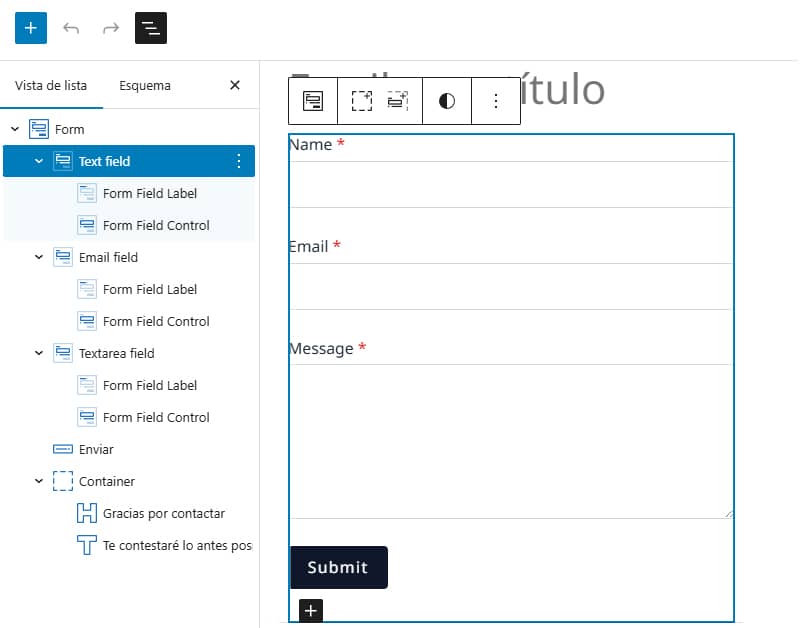
Both the general configuration and the configuration of its elements is very complete. You can do almost anything, such as deciding whether fields are mandatory or optional, adding an icon, changing the background colour, text size, colour, etc.
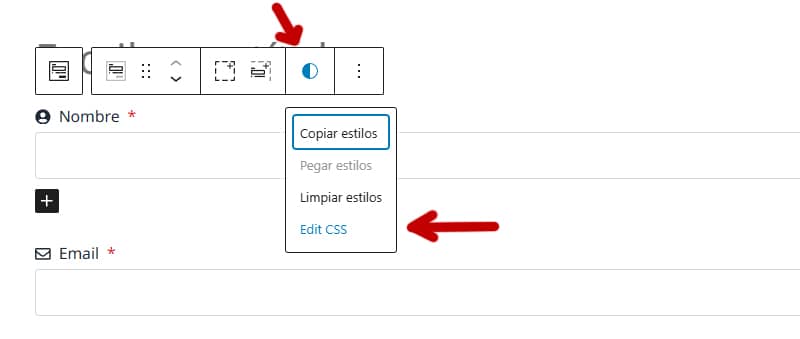
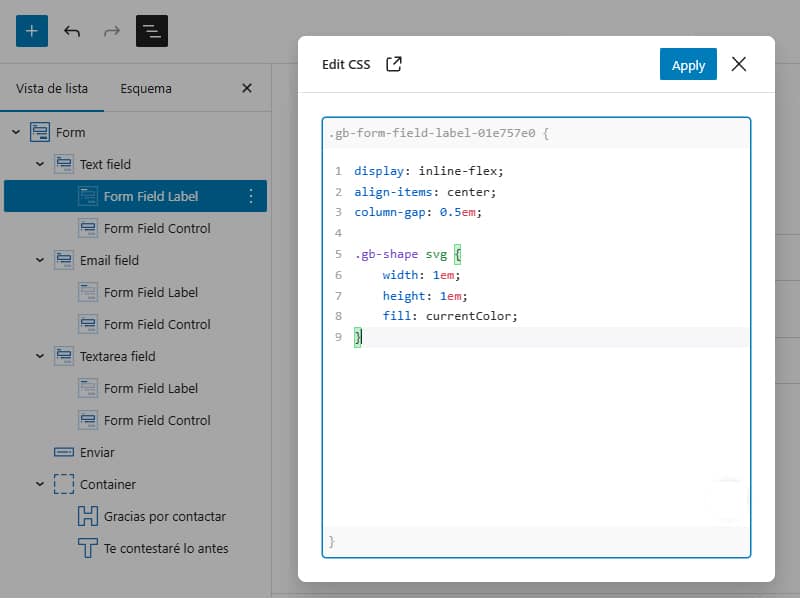
Another new feature is. You can now write CSS directly to individual block styles and global styles, with full support for developer tools, so your changes look exactly where you expect them to. There's also a new "Edit CSS" command and shortcut in the GenerateBlocks toolbar, so all it takes is a couple of clicks to start customising the style.
This, which at first glance may seem like a small thing, is now also very useful not only to add CSS to any block and edit it easily, but also to identify more quickly the class of each block, which previously had to be located in the settings.
In addition to various fixes, some internal changes have been made to make the editor and user interface appear more robust. Undo/redo previews of global styles are now better synchronised, the pattern library has tighter permission controls, remote global style data is handled more conservatively, and the number of UI queries required to manage pattern and menu support has been reduced.
For your tinkering on a test site it is recommended to also install GenerateBlocks 2.3.0 alpha, which you will find in your user area if you are a Pro customer, as it includes the code necessary for the new features of GenerateBlocks Pro 2.6.0 alpha to work.