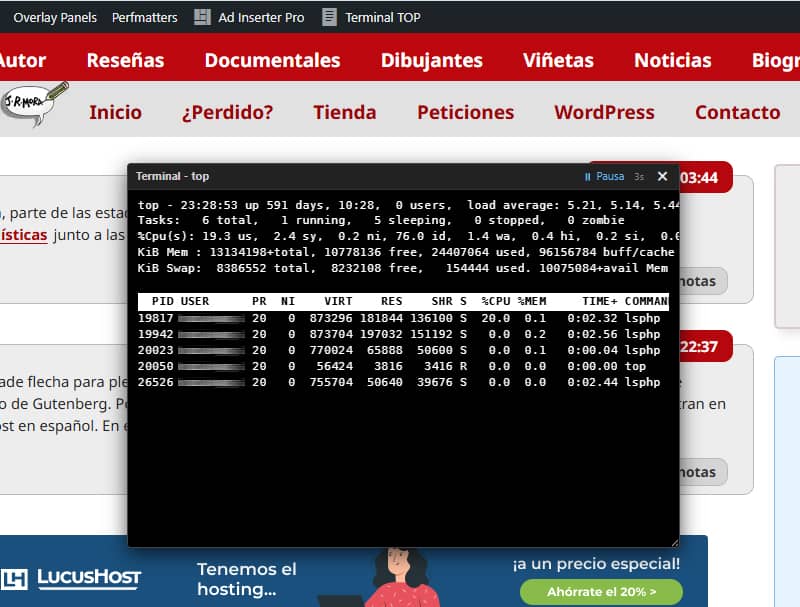
By default, WordPress performs native searches using very resource-intensive MySQL queries that force the database to carry out a full scan of the `wp_posts` table (filtering using `LIKE %keyword%` in the titles and content of each post). As your site grows, this record-by-record scan severely impacts server performance, causes CPU usage in MySQL to skyrocket, and results in slow response times or even timeouts.
As I explained here a while back, I’ve finally managed to sort out the issue with the native search engine’s response speed using a couple of snippets.
I have now turned those snippets into the Fast JSON Search plugin (renamed to JRMora JSON Search to avoid generic terms in the repository guidelines), which avoids costly string comparisons in the database by pre-indexing your published posts into a static, lightweight JSON file (search-index.json) located in your uploads directory (wp-content/uploads/jrmora-json-search/). When a visitor performs a search, the plugin checks the index in milliseconds and provides only the IDs of the matching posts directly to MySQL (WHERE ID IN (...)).
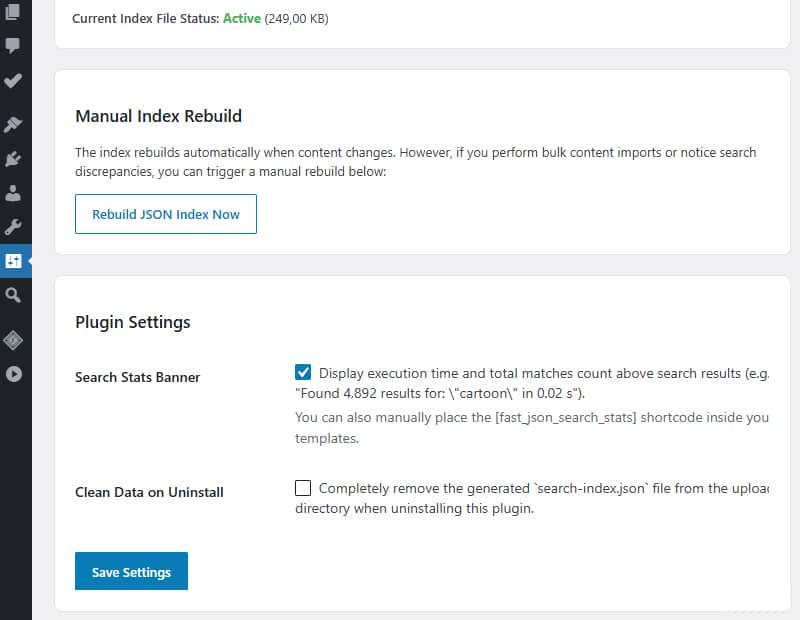
The JSON index file (search-index.json) is created automatically when you install and activate the plugin. In your admin area, you can always monitor how its size changes as it grows.
It works with any standard WordPress theme without the need to modify results pages, add shortcodes or create custom search forms.
It improves the default search function in a simple and transparent way. Simply install and activate it. There are no structural changes of any kind; when you uninstall the plugin, everything works exactly as it did before you started using it.
It reduces the load on the database. It eliminates LIKE %...% operations, which consume a lot of CPU resources, in large databases.
Real-time synchronisation. Automatically updates the JSON index whenever content is published, updated or deleted.
Normalised search. Removes accents and diacritical marks so that searches match exactly, regardless of spelling variations.
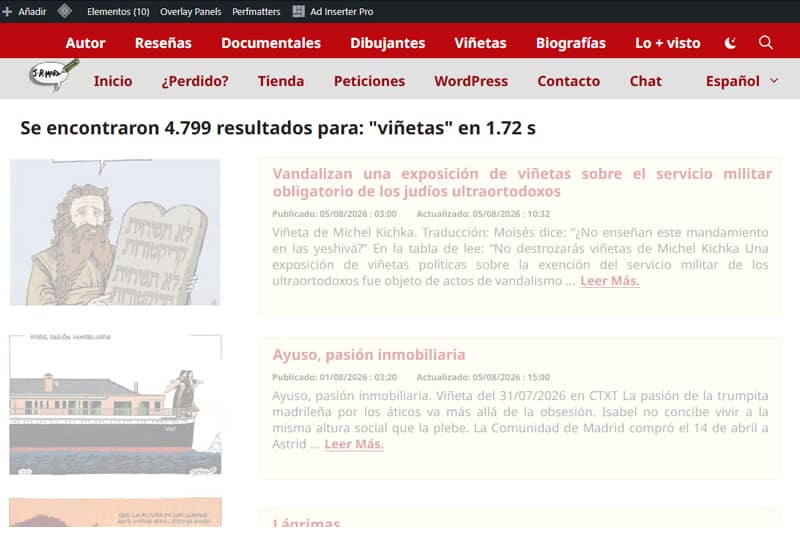
Search Stats Banner. Option to add a message such as:‘7 results found for: “word” in 0.0054 s’ on the results pages.
Clean uninstallation option: The search-index.json file is completely removed when the plugin is uninstalled.
Optimised for high traffic. Ideal for blogs with a large amount of content, news sites and websites with thousands of posts. Although you can use it on sites with any amount of content, you’ll notice its benefits most where queries have become slow.
The aim is to continue refining and improving the search logic as much as possible. It is now available in the WordPress plugin repository.