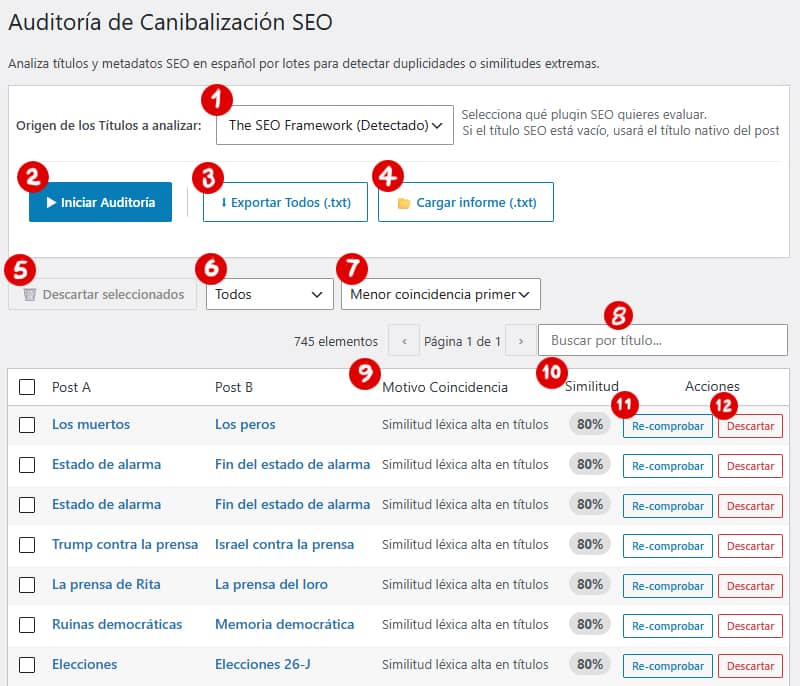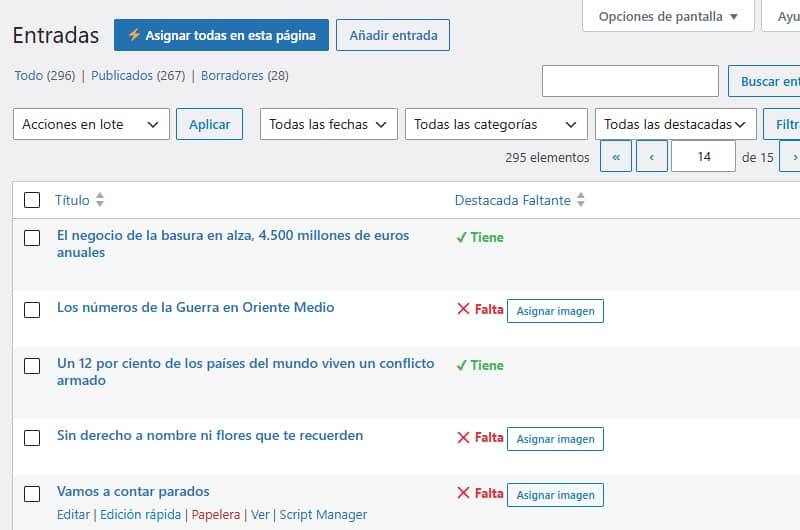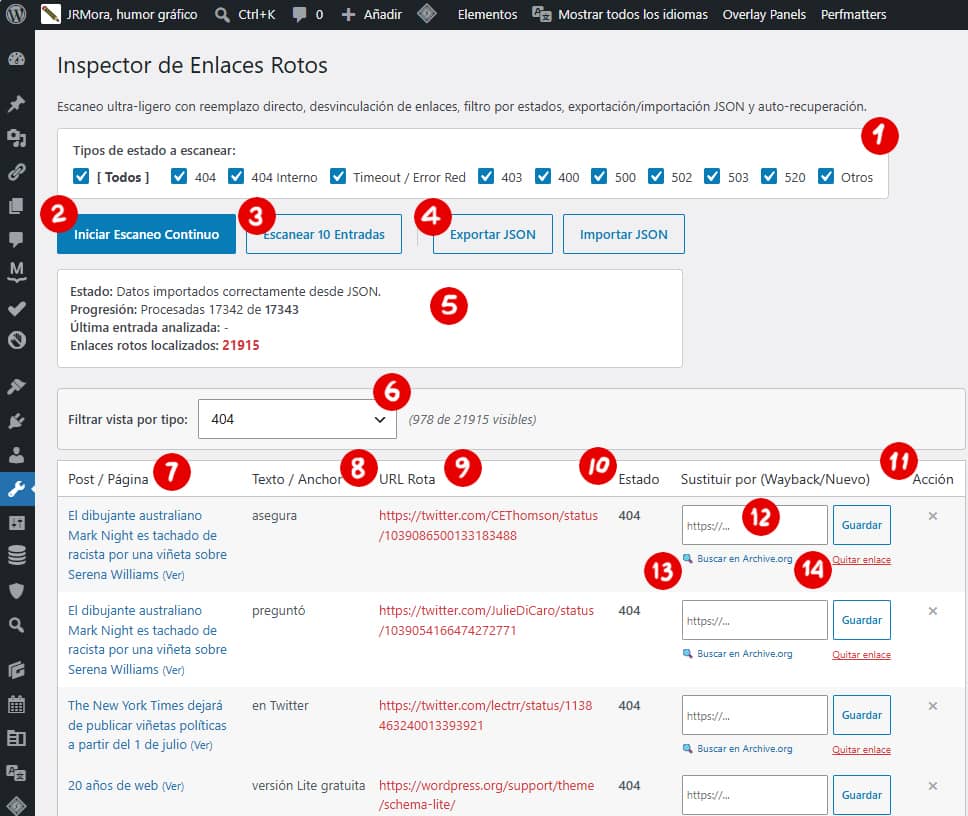
Between late 2025 and early 2026 I converted three functions I used regularly into plugins, which I ended up uploading to the WordPress repository in case they might be useful to someone.
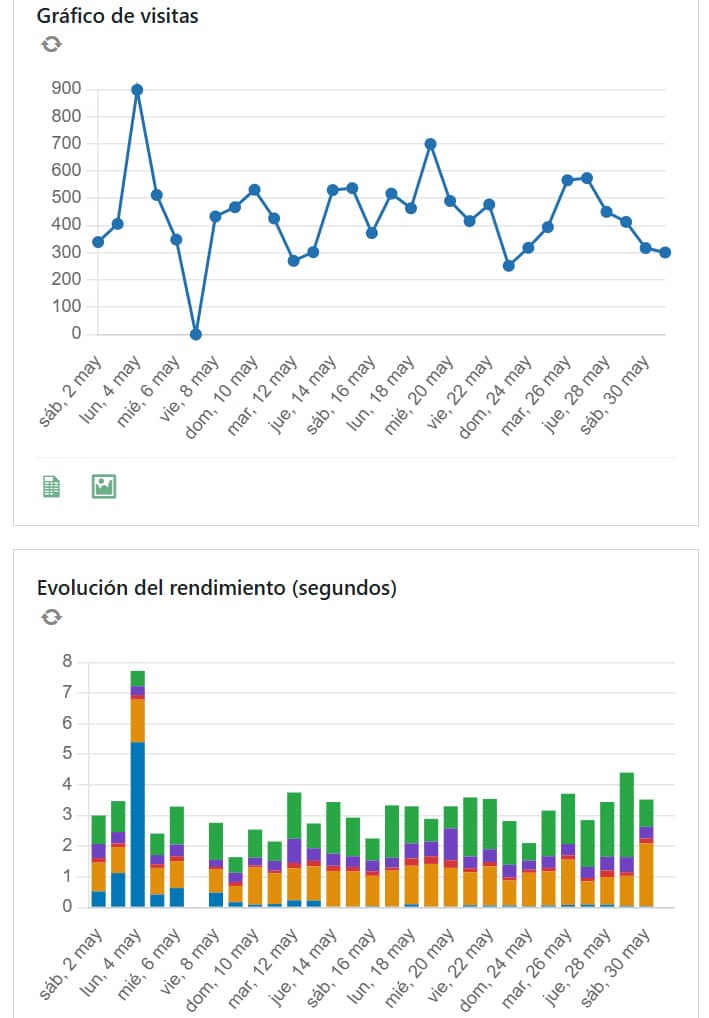
Last week I reviewed all three to check their security and compatibility with WordPress 7.0, which was released on 20 May. Yesterday I took the opportunity to add a new tweak to the Real-Time Widget for Matomo plugin, which adds a native widget to the WordPress desktop that connects to your Matomo On-Premise installation to display essential real-time metrics such as number of visits, average load time and a visitor logo with basic data such as referrer url and country.
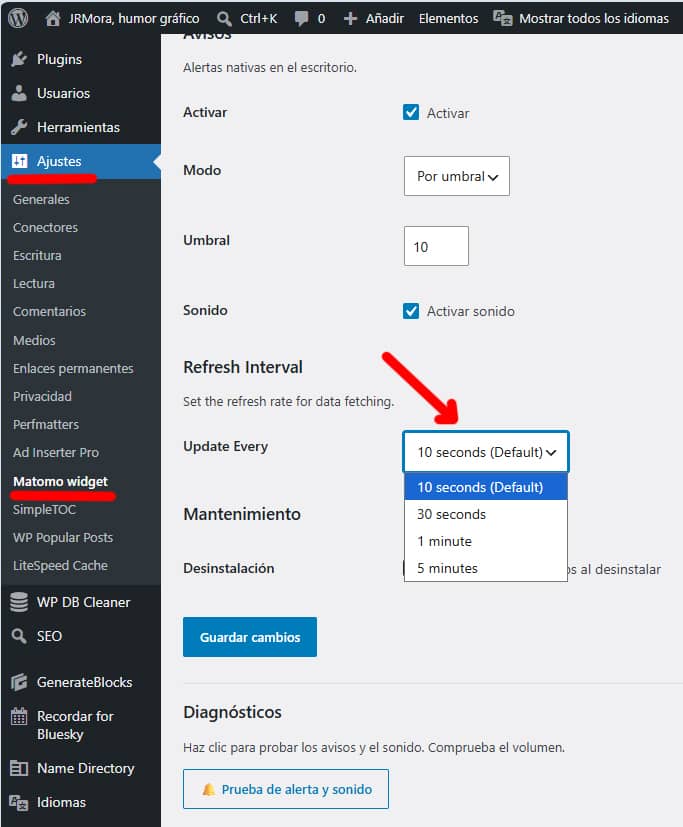
Now, from the configuration you can set the data refresh interval to 10 seconds (default), 30 seconds, 1 minute or 5 minutes for sites that don't need the reports in the widget to be as "fresh" or have performance issues with refreshing the data so frequently.
The other two plugins I keep are these:
Speed Auditor. It arises as a response to a personal need to have different local diagnostic tools simple but with some power. It is not an optimisation plugin (it doesn't change anything in your code), it is a basic real-time Core Web Vitals audit plugin. In your admin bar you will see an icon that changes colour. If it is Green, your LCP (the time it takes to see the most important things) is optimal. If it turns Orange or Red, something needs your attention. With one click, you download a .txt file that you can send to your developer or save to compare results after applying changes.

Remember for Bluesky and Mastodon sends new posts to these two social networks when they are published and also allows you to create a schedule to republish your old posts (at the time you want), from that day but from other years. It can be used to publish ephemeris or to give your old content a bit of fresh air. It allows you to create different lists and check if your posts have the featured image added. You can see it working on this Bluesky account @jrmora-hemeroteca.bsky.social and Mastodon @mastodon_hemeroteca. Here you have the initial note of the feature with the details.
The latter is the plugin with the most downloads and installations. Not that it has been a success, but compared to the laughable figures of the other two, for me it is a success.