The perfect mechanical keyboard doesn't exist, but some come close. This could be one of those. I recently bought two Krom Kernel Pro keyboards, one to give as a gift, for evangelism purposes, and one for my old resurrected PC.
Of course, the concept of the perfect keyboard goes in different neighbourhoods and will depend on the use you intend to make of it, your preferences and habits. In my case I have five points to measure it, in this order of importance: maximum connectivity options, battery life, quality of materials, customisable and configurable wheel.
The latter is something I've become accustomed to since I went back to a mechanical keyboard. The Krom Kernel Pro fulfils three and a half of these five conditions. Because a little more battery life would have been nice and it lacks a configurable wheel.
A colleague tipped me off that this Krom classic, which the manufacturer sells for about 60 euros, was on Amazon for 40. It arrived a few days ago. I won't talk about the technical specifications in detail because that's what you can find on the product sheet.
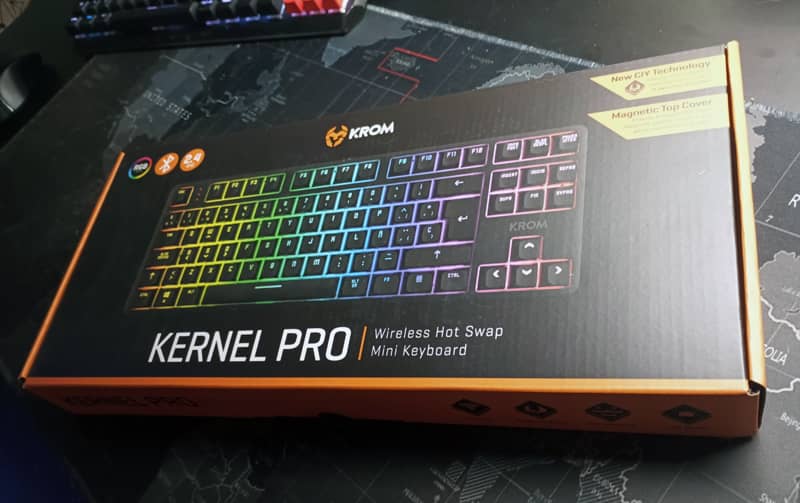
There is not much to say about the presentation. The box is modest, sufficient and correct.
The contents consist of a pouch with 4 spare switches, the power and charging cable and a tool for removing the key cover at one end and the switches at the other end.
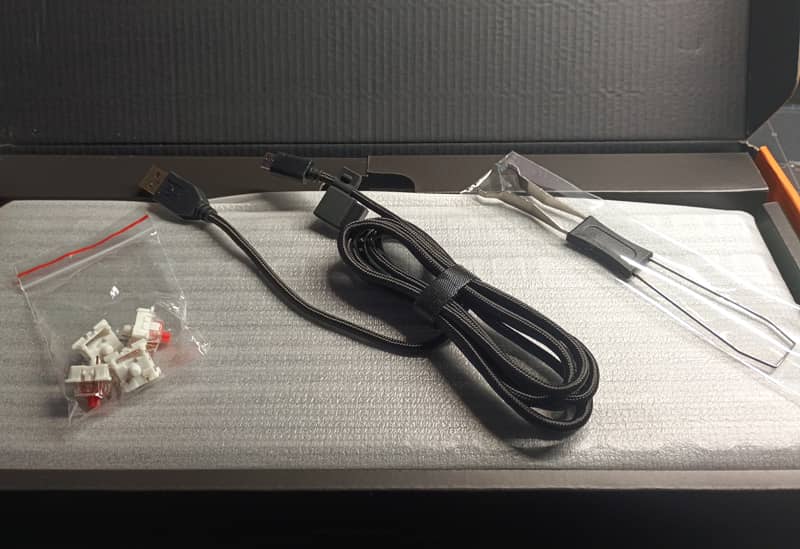
The cable has a length of 180 cm, which is more than enough for any configuration. It has a gold-plated USB-A connector and Type-C for keyboard connection. Medium thickness, it looks good. It looks sturdy, mouldable and flexible. It's braided mesh and looks like it could last.
The USB adapter arrives in a small rubber capsule that is clipped to the cable.

The first impression when you take the keyboard out of the box is a pleasant one. Like all TKLs (which stands for Ten Key Less) it feels compact and weighs a considerable amount - the specifications state that it weighs 980 grams, ten grams up or down.
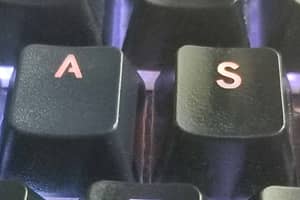
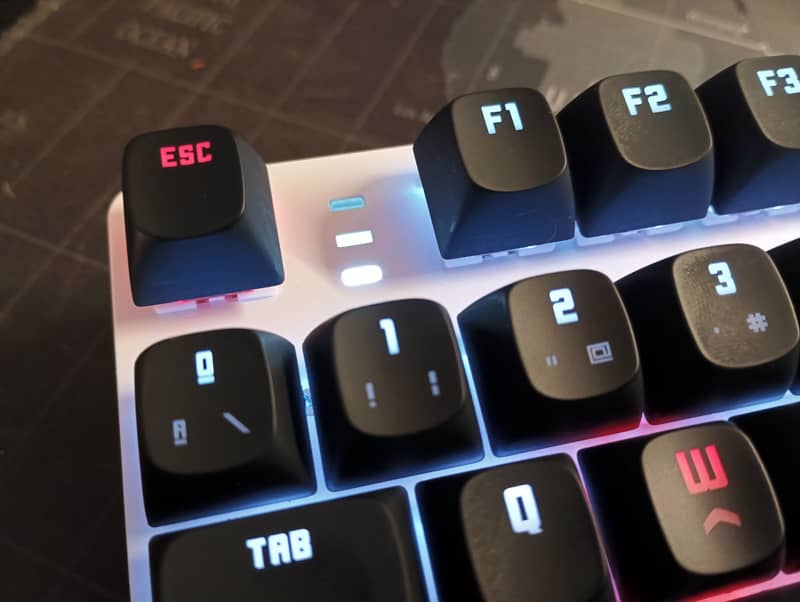
The characters chosen for the keys are a bit strange, as it is a square font, some of them can be confused between them, like the A and the R or the D with the Q and the O. After a while you get used to it, but I don't rule out changing them for others with more traditional characters to avoid occasional mistakes.

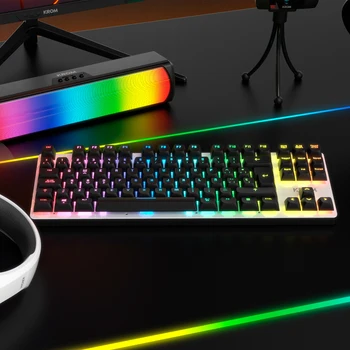
It comes with a black magnetic plastic casing (with six small magnets), you can remove it and you have a keyboard with a white background.
I sent an enquiry to the manufacturer, which specialises in gaming peripherals and is based in Malaga, to find out if they had this case as a spare part and they immediately replied that they did. So if one day you lose it, it breaks, or you want to tune one in a different colour, you can order one from them.
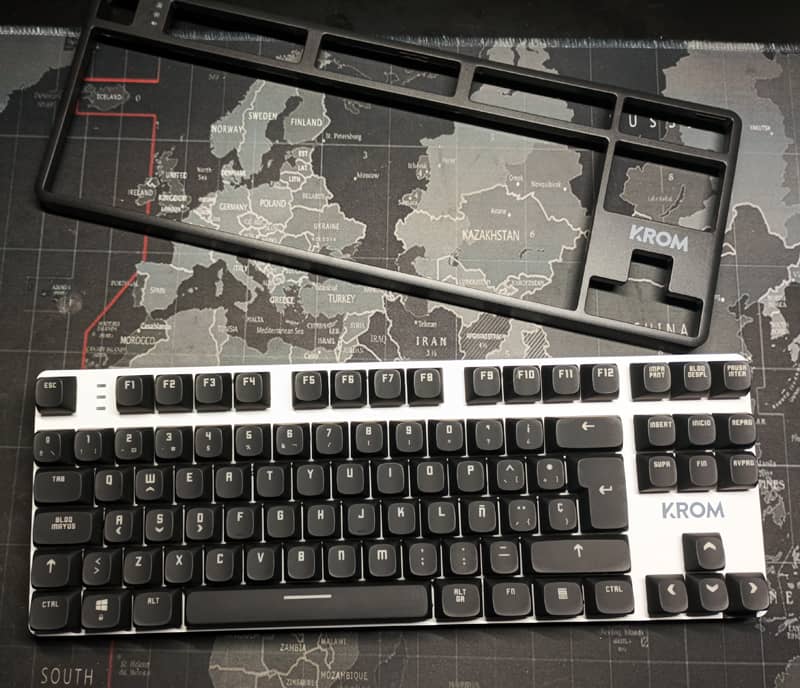
The magnetic anchoring of this housing is not very well solved. The magnets are insufficient. Due to the high weight of the assembly, it is inevitable that when moving it, if you don't grab it from below, you will be left with the case in your hand.
Finally, there is a small piece of paper with warranty information and a very brief manual with very basic information on how to start using the keyboard.
The first thing I did was to turn it on, test the intensity levels of the illumination and put some colours on different keys. The brightness, which can be selected from the FN + cursor up or down key combination, has 4 levels if we don't include the off level. At the intermediate level (2) it lights up quite well, even for use in natural daylight.

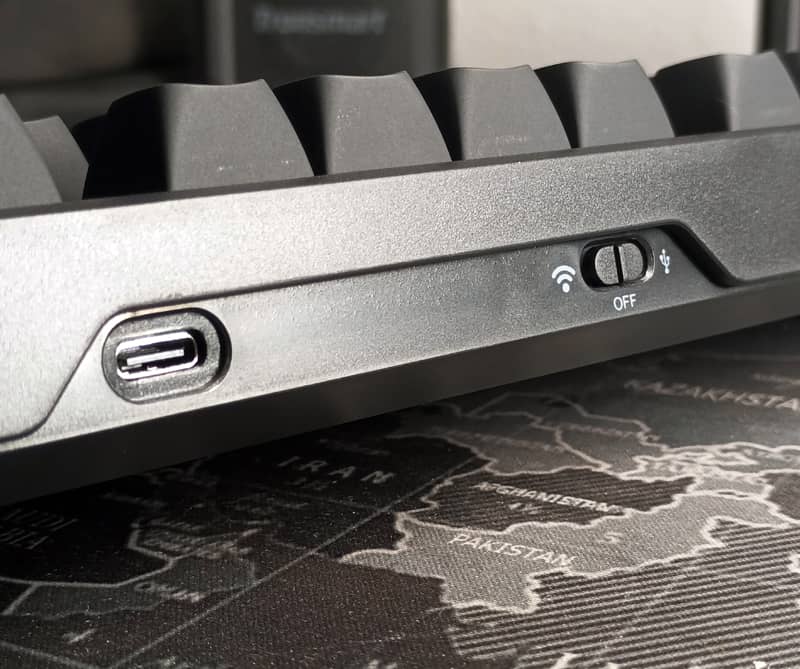
On the front is the Type-C connector for the cable and the connection mode switch with three positions: Wireless (Bluetooth 5.3 or 2.4G USB), off and cable.
The legs tend to be another sensitive point in keyboards, as when they break it's a real pain. In the Krom they are solved with a system that assembles two pins for two heights, although the shorter one is too small and barely lifts it. On the plus side, they seem well finished mechanically speaking.

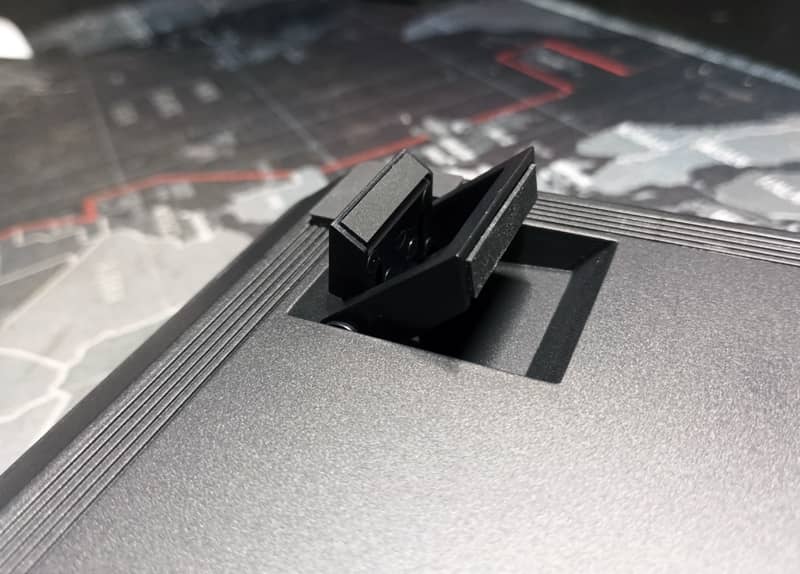
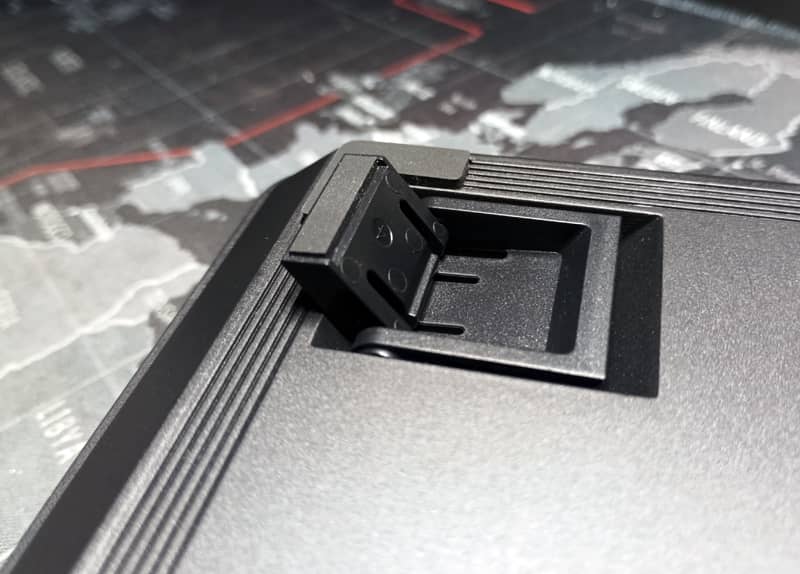
The tilt with the highest temple is correct.


The feel of the rounded-edged keys is rubbery and pleasant, but somewhat dirty. Fingerprints are quickly visible and they are not as easy to clean as keys made of other plastics.
The keys have only one coat of primer, so hopefully it will take less time for the keys that you use and/or rub the most to start to degrade or rub off. It remains to be seen how long it will take for this to happen depending on how much use you make of it.


Another small design flaw that I think could have been avoided by adding some protection or frame, is the removal of the switches. Using the metal hook to remove them, no matter how careful you are, it is inevitable not to scratch and damage the white cover that covers the plate.
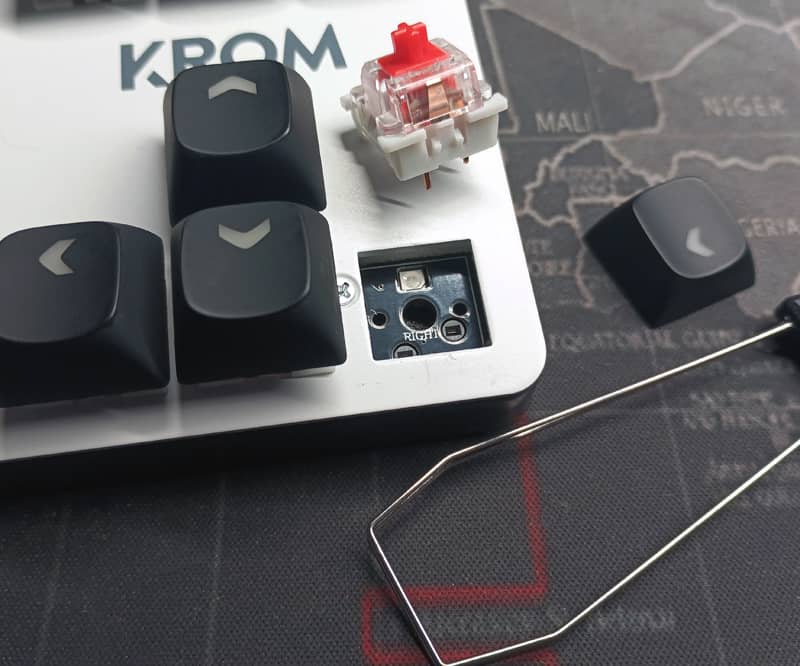
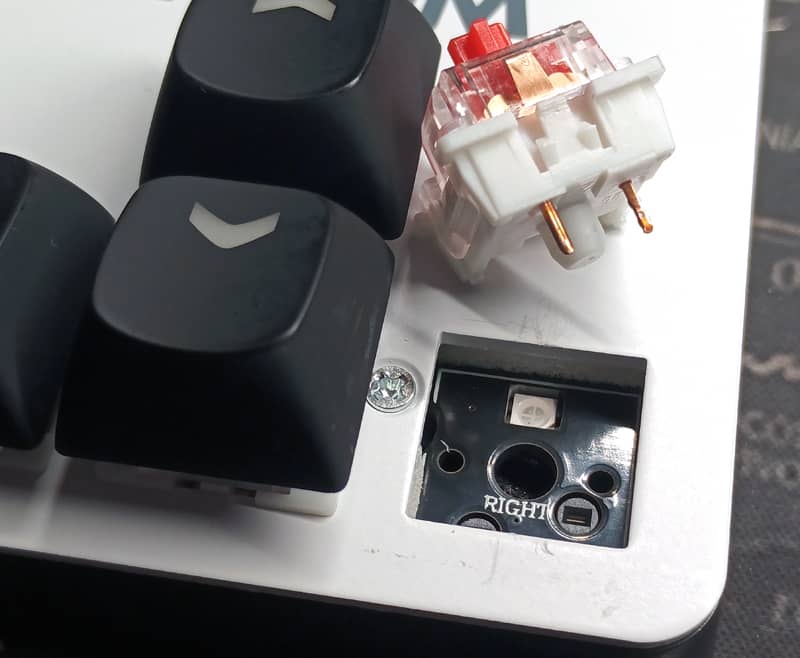
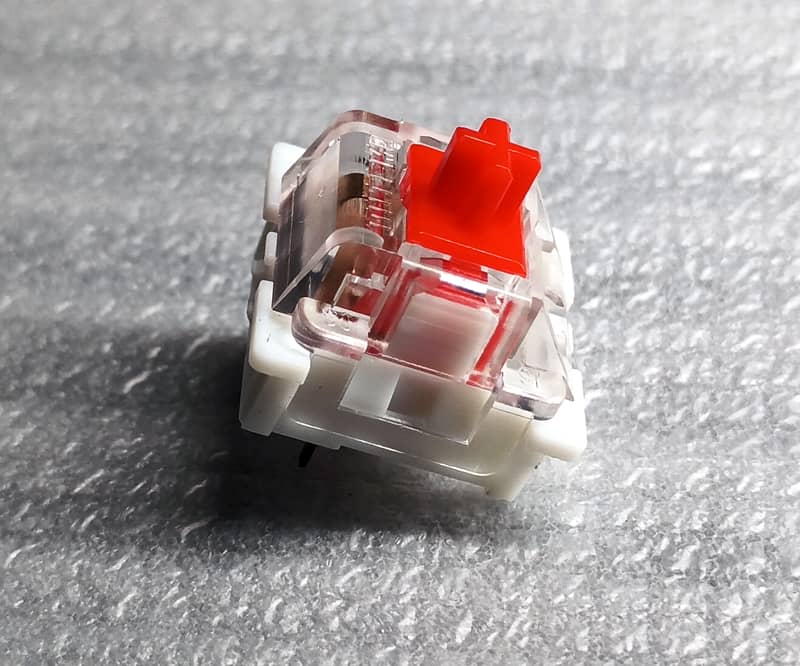
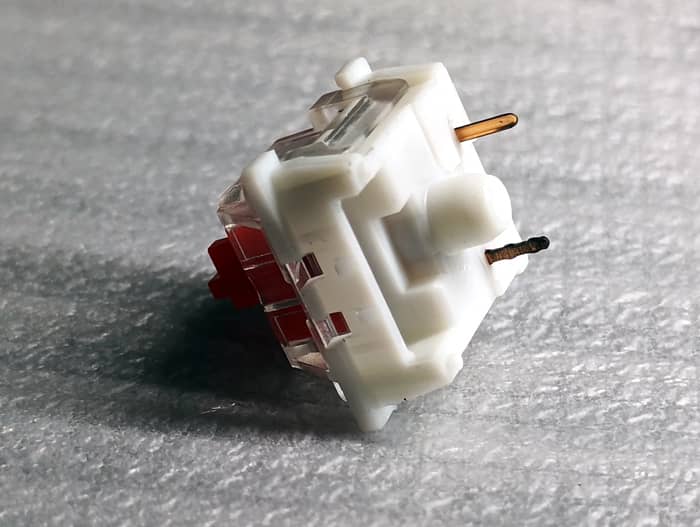
The switches are the red Outemu ones. I come from a brown Gateron and these red ones sound a lot less, but they also need a bit more pressure, which I don't mind because I'm a compulsive hammerer.
Here are a few seconds of the sound of the keys with different keystroke forces.
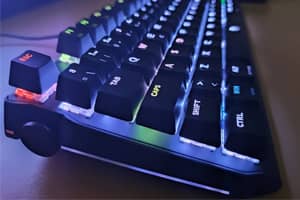
On the top right hand side there are three LED indicators.
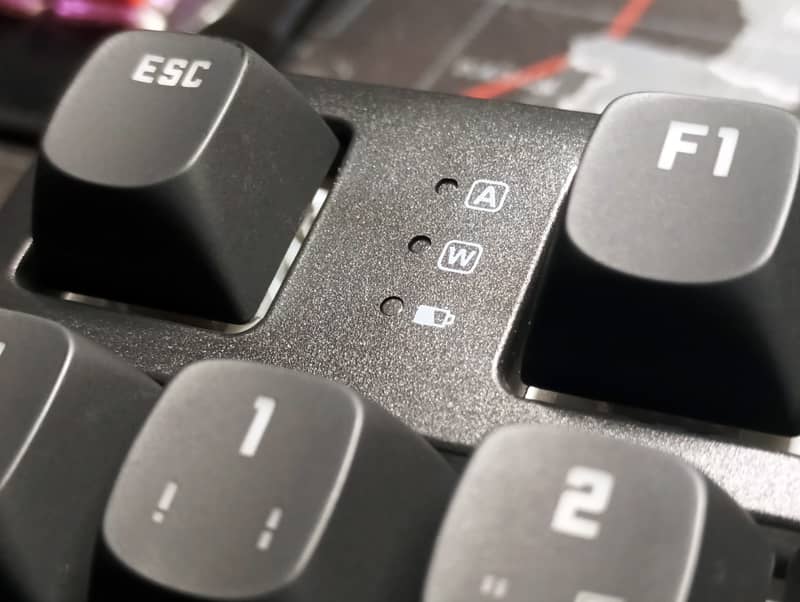
(From top to bottom):
A: Red upper case lockout light.
W: Orange Windows key lock light (FN+Windows key).
Battery, with four light colours for different charge levels.
The battery charge is displayed as follows: White light: more than 90%, green light: between 90% and 50%, yellow light between 50% and 20% and white light less than 20%. I think the range of the green light is too large. It would have been nice to add a small display with the charge percentage.
You can always check the battery level of your connected devices.
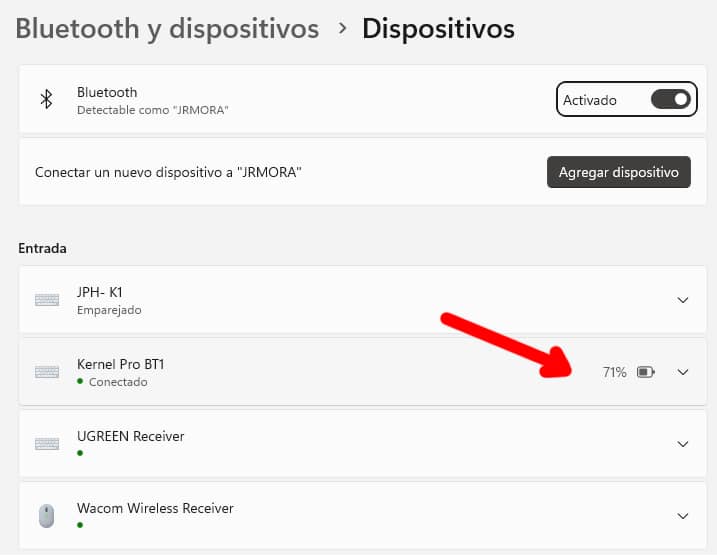
The battery is not bad, despite being only 2600 mAh, (although in the product sheet on the manufacturer's website it appears that the battery is 3000 mAh) you get the 10 hours of use advertised by the manufacturer. Although I don't know how this duration was measured, I assume they are talking about continuous use. The keyboard suspends illumination after X minutes (I haven't counted them) so I understand that with moderate use it will exceed this usage time. A full battery charge takes about 4 hours to complete.
Another point that could be improved is the illumination of the indicators. In the photos you can see how with only one light on (the lower white one) the two top lights are also illuminated, both without and without the casing, as they are not very isolated.
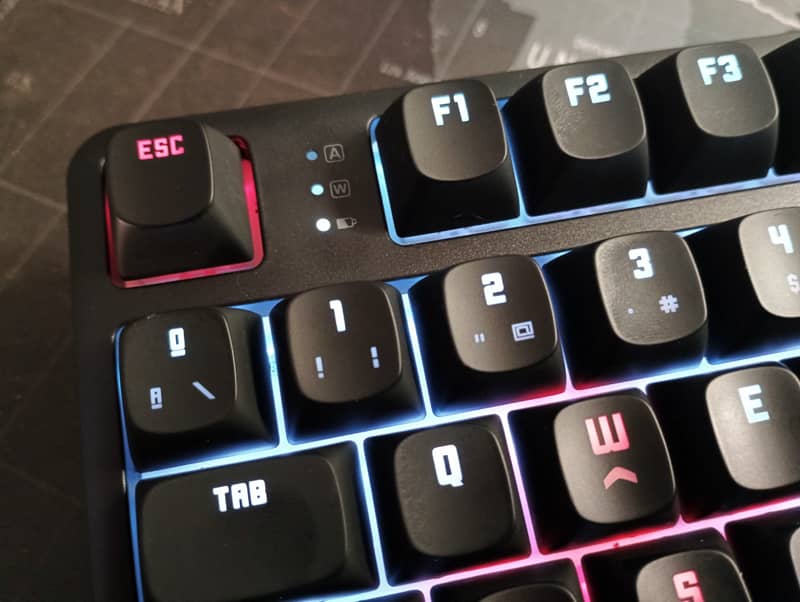
There is a third indicator. A red light will remain lit under the space bar while charging. This red light will turn off when the battery is fully charged. With the housing not much is visible depending on the orientation.
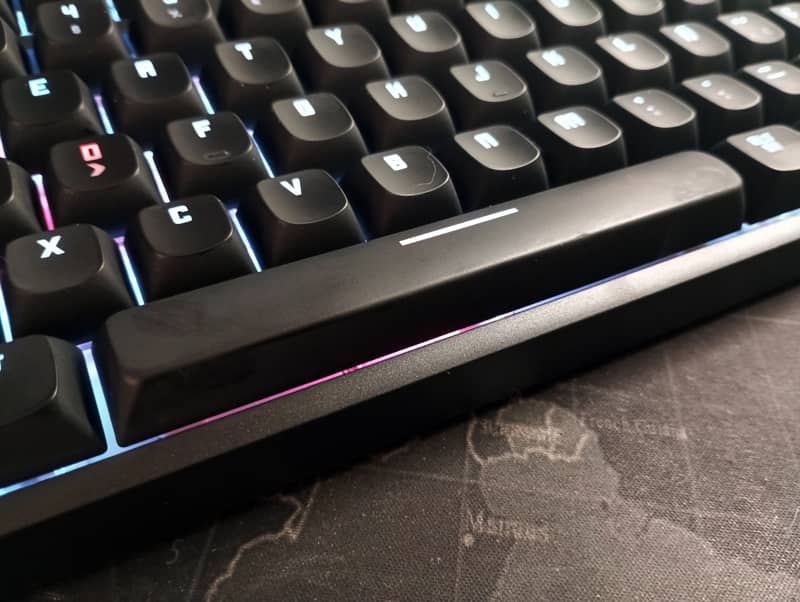
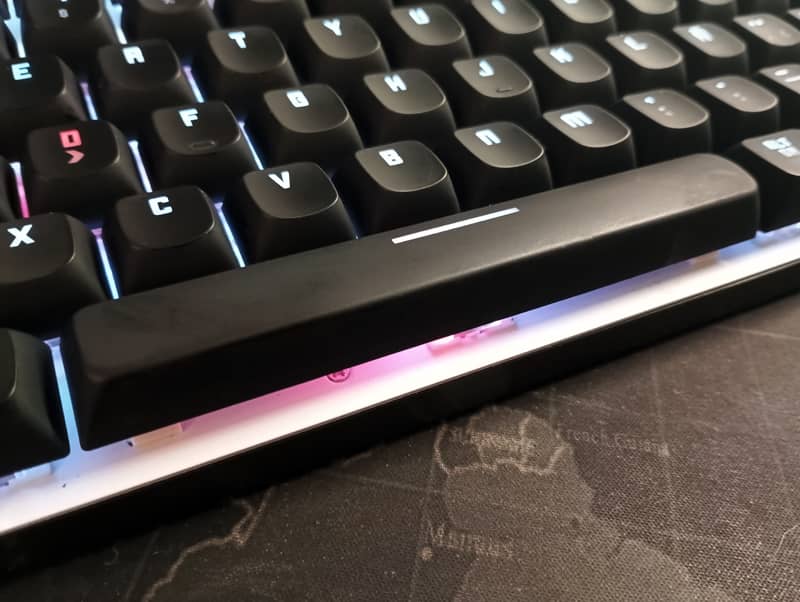
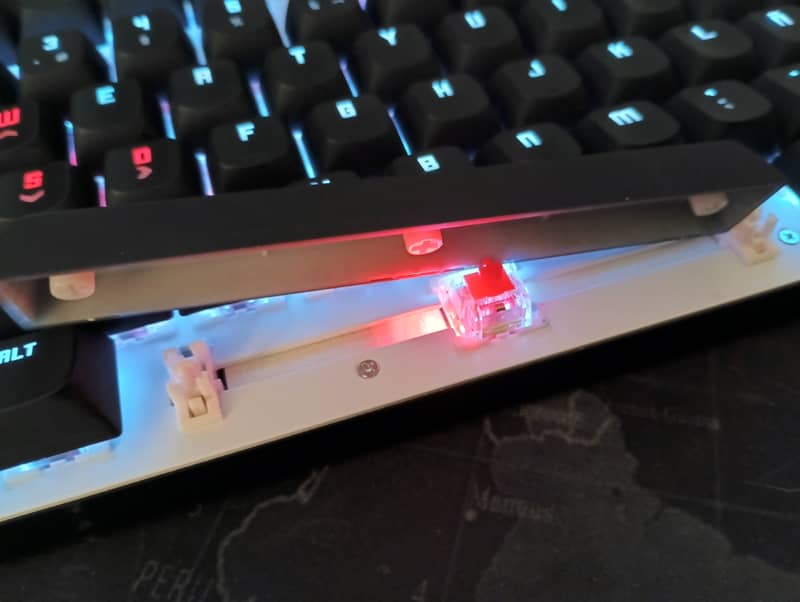
It has 18 keyboard-configurable lighting modes, but most of them are the traditional crazy flash fairs or a fireworks display for RGB psychedelic lovers.
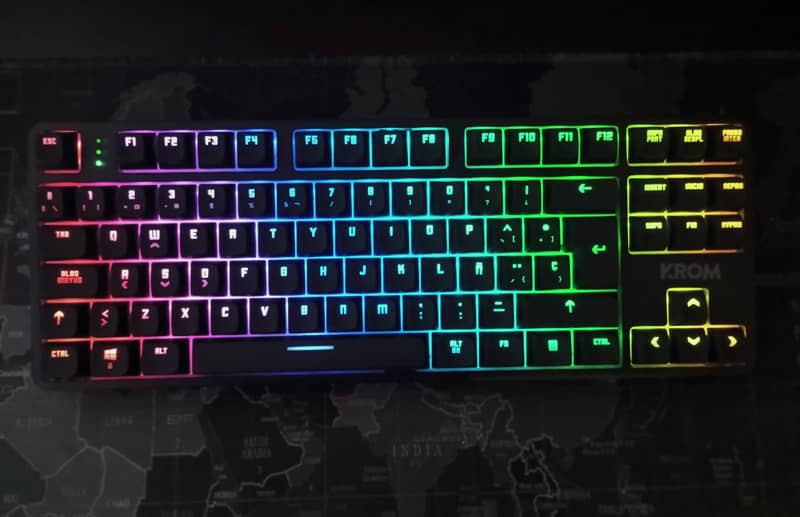
What they call "powerful" configuration software is a huge piece of crap, like most of this kind of software. I managed to do a few things after getting pissed off a couple of times with the guy who developed such a piece of crap. Even the translation is bad. The program is installed with the drivers and to use it the keyboard must be connected by cable. Otherwise you can't open it.

On this screen I lost a very valuable portion of my life without getting anything done in it.
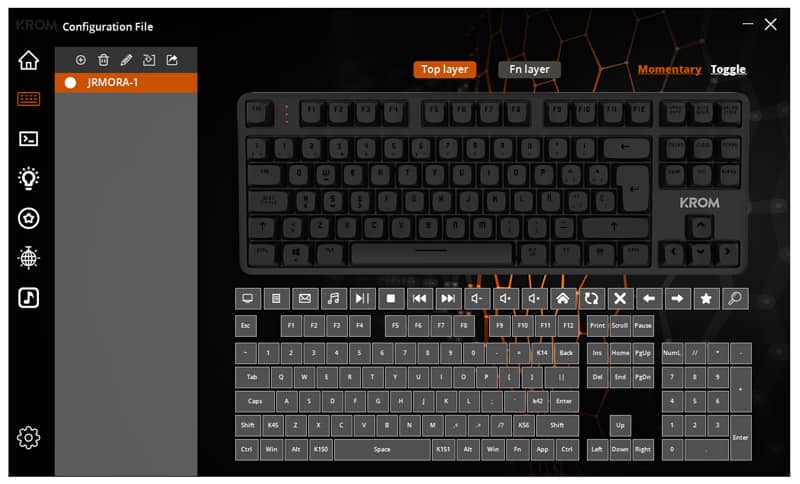
The various functions such as volume up, volume down, mute, etc. are located on the top F keys and have no symbol so you either remember them or write them down wherever you can. They are accessed by pressing FN. In the image above of the screenshot of the configuration software you can see the supposed correspondence with symbols, although some keys don't match, or at least not in that order.
Overall I find it a well-built keyboard and after five days of use I recommend it because the positive impressions far outweigh the less good ones. It works well in any of its connection modes. The battery life is quite decent and for the current price it seems to me a very good option for functions, behaviour and finish that can rub shoulders with keyboards that move in the medium/high segment of more applauded brands.